For Optometrists
How to Reduce Optometry No-Shows and Fill Exam Schedules
A practical attendance system for eye examinations and specialist testing that protects clinical access without confusing care, deposits, and retail activity.
Map the real cost of an unused exam slot
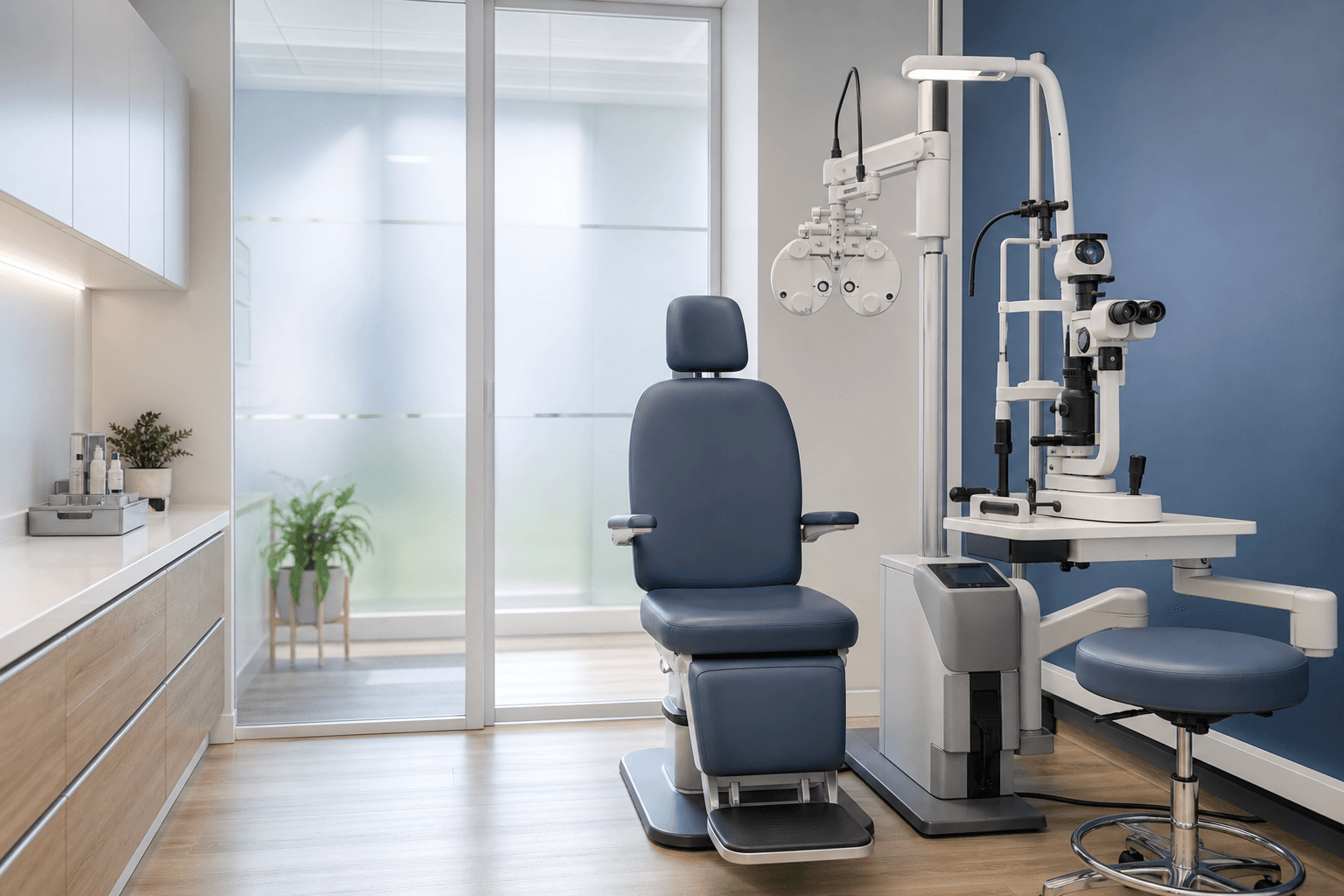
Optometry schedules link clinician time, examination rooms, diagnostic equipment, technicians, and sometimes follow-on dispensing support. A missed routine examination is inconvenient; a missed specialty test or long contact-lens assessment may strand scarcer equipment and staff. Measure these categories separately. The useful cost is the contribution and capacity that could not be recovered, plus the staff time spent contacting the patient—not the full advertised value of every downstream purchase that might have happened.
Keep the clinical and retail records conceptually separate. An appointment confirmation concerns access to care and reserved professional time. It should not imply that the patient must buy eyewear or that a deposit purchases a product recommendation. Establish a local baseline for explicit confirmation, early changes, late releases, and unused room time. Healthcare no-show studies show considerable variation, so your own data is more defensible than a generic benchmark.
Ask for a response while the slot is still usable
A reminder sent only the night before may prevent forgetfulness but leaves little time to offer a specialist slot elsewhere. Use an earlier notice for long-booked examinations and a closer confirmation to establish current intent. Include the practice name, date, time, location, and simple response actions. Avoid putting a diagnosis, test indication, or other health detail into a lock-screen preview.
Digital reminder reviews across clinical settings find improved attendance compared with no reminder, but the message must connect to an operational pathway. Confirm should update the schedule. Request a new time should create a rescheduling task. A question should reach the right staff member. A delivery failure should prompt contact-data review. These outcomes give the team something useful to do before the chair is empty.
- Verify preferred channel and number accuracy during booking or check-in.
- Use extra lead time for specialist testing and long assessments.
- Keep clinical preparation questions with qualified staff.
- Prioritize personal calls by scarcity and refill potential.
Apply appointment security deposits only where justified
Many eye-care visits can rely on a well-run confirmation and rescheduling process. If a deposit is appropriate, target clearly defined extended or resource-intensive appointments after reviewing payer terms, clinical access obligations, consumer law, and accessibility. Do not attach an appointment deposit to optional retail purchasing. The patient should be able to understand exactly what reserved professional time the commitment relates to.
Publish the amount, transfer window, release or credit mechanism, refund process, and clinic-initiated change terms before collection. Provide a human exception route. A patient with a sudden health issue, disability-related barrier, or urgent clinical need should not be forced through a rigid automation. The practice owns the judgment; software should record the approved outcome and communicate it consistently.
Use released capacity responsibly
Maintain a permission-based earlier-appointment list for people whose clinical pathway matches the opening. Record whether they can attend on short notice, need transport time, or require a particular practitioner or room. When a slot opens, follow an orderly outreach process and preserve normal clinical prioritization. Do not send sensitive test descriptions to a broad list.
At a set daily time, review unanswered long appointments, requests to move, delivery failures, and any time now available. Make ownership visible so two staff members do not contact the same patient with conflicting information. When the person confirms or reschedules, stop the reminder sequence immediately.
Measure the whole exam-day flow
Track attendance information by routine exam, contact-lens visit, imaging, field testing, and other specialty work. Include staff confirmation minutes, early releases refilled, late releases not refilled, and downstream room or technician disruption. Also audit privacy complaints, inaccessible messages, deposit questions, transfers, and refunds. Better schedule utilization should not come at the price of confusion or reduced access.
Use the findings to change one variable at a time. Move the first reminder earlier for long-lead testing. Clarify the response wording if patients reply with ambiguous free text. Narrow a deposit rule that produces more administration than commitment. A dependable optometry schedule comes from joined-up communication, staff response, and fair policy—not simply sending a larger volume of reminders.
Start with the scarcest appointment category
Choose one resource-intensive exam type, document four weeks of baseline outcomes, and map what the team does when a patient confirms, declines, asks a question, or does not respond. Introduce the workflow, review it weekly, and train the team on one explanation. Once it works, extend the same principles to routine exams with lighter-touch settings rather than applying the most intensive process to everyone.
Before expanding, audit several complete appointment journeys from booking through attendance or rescheduling. Confirm that contact preferences were captured, reminder content stayed neutral, specialist questions reached the right person, and released capacity was offered according to the practice's access rules. Compare equipment and staff utilization as well as headline attendance. If the process merely shifts work from phone calls into unresolved message queues, improve ownership and response times before adding another appointment group.
Sources and further reading
Evidence about reminder systems is cited for context. It does not establish that a particular deposit policy is effective, lawful, ethical, or appropriate for every practice.
- 1.No-shows in appointment scheduling: a systematic literature review — Health Policy / PubMed
- 2.Using digital notifications to improve attendance in clinic — BMJ Open / PubMed
- 3.Mobile phone messaging reminders for attendance at healthcare appointments — Cochrane Review / PubMed
- 4.Appointment reminders and the HIPAA Privacy Rule — U.S. Department of Health and Human Services
- 5.What is special category data? — UK Information Commissioner's Office
Your practice sets its own deposit and consent rules; NoShowLine is not legal advice.